
Discover AI Tools
Explore our curated collection of 157+ AI tools to boost your productivity and creativity
All AI Tools
Showing 157 tools
Create PDF from HTML
The Create PDF from HTML tool is a free online utility that allows you to instantly convert HTML code or web pages into professional-quality PDF documents. It helps developers, designers, students, and business users generate clean, print-ready PDFs from raw HTML in real time. With its interactive interface, you can paste your HTML, preview the PDF output, and download it instantly. This makes it perfect for web developers, content creators, and educators who need quick HTML-to-PDF conversions without installing software.
Key Features:
- [
- {"title":"Fast HTML to PDF Conversion","icon":"fas fa-bolt","description":"Quickly convert any HTML code or webpage into a PDF file with one click."},
- {"title":"No Installation Required","icon":"fas fa-cloud","description":"Runs directly in your browser – no software or plugins needed."},

Create PDF from Text
PDF Creation Tools help users convert text, images, and web pages into professional, searchable PDF files. Fast, secure, and customizable merge, compress, set permissions, add metadata and bookmarks. Ideal for content creators, students, businesses, and developers for reliable PDF workflows. Now!
Key Features:
- [
- {"title":"Text to PDF","icon":"fas fa-file-pdf","description":"Convert plain text, Markdown, and DOCX into polished PDFs with typographic controls."},
- {"title":"Batch Conversion","icon":"fas fa-layer-group","description":"Process multiple files at once and merge into a single PDF."},

Double Pendulum Simulator
The Double Pendulum Simulator is an advanced physics tool designed to model and visualize **chaotic motion** in a double pendulum system. It demonstrates how small changes in initial conditions lead to unpredictable yet fascinating motion — a key concept in **chaos theory** and **nonlinear dynamics**. Perfect for students, researchers, and educators exploring complex oscillatory systems.
Key Features:
- [
- {"title":"Real-Time Simulation","icon":"fas fa-play-circle","description":"Watch the chaotic motion of a double pendulum in real-time."},
- {"title":"Adjustable Parameters","icon":"fas fa-sliders-h","description":"Modify lengths, masses, and angles to explore system dynamics."},
Box Shadow on Hover Demo
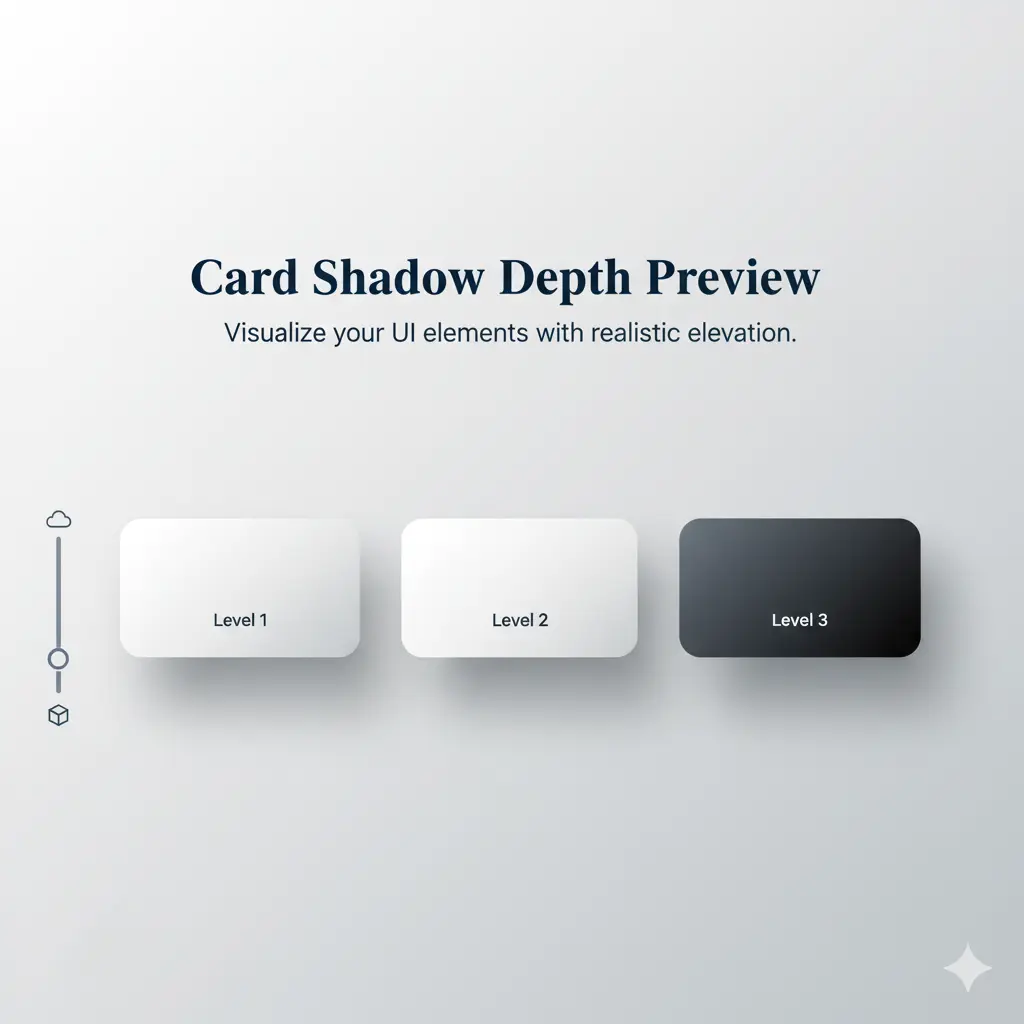
The Box Shadow on Hover Demo allows you to visually explore how CSS box-shadow behaves when an element is hovered. Customize properties like offset, blur, spread, color, and transition duration to see live interactive effects and generate the corresponding CSS code.
Key Features:
- [
- {"title":"Interactive Hover Preview","icon":"fas fa-eye","description":"See how the box-shadow animates on hover in real time."},
- {"title":"Preset Examples","icon":"fas fa-layer-group","description":"Click presets like Basic, Material, or Deep Shadow to apply styles instantly."},
Create PDF from Word
The Create PDF from Word tool is a free online converter that allows you to transform Microsoft Word documents (DOC, DOCX) into professional-quality PDF files. It helps students, teachers, writers, and business professionals easily create secure, shareable, and print-ready PDFs from text documents. With its simple and user-friendly interface, you can upload a Word file, preview the result, and instantly download your converted PDF. This makes it perfect for resumes, reports, eBooks, contracts, and academic papers.
Key Features:
- [
- {"title":"Fast Word to PDF Conversion","icon":"fas fa-file-word","description":"Instantly convert DOC or DOCX files into professional-quality PDFs."},
- {"title":"Preserve Formatting","icon":"fas fa-align-left","description":"Keeps all text, images, and layouts exactly as in the original document."},

Image Color Name Matcher
The Image Color Name Matcher allows users to upload an image and instantly identify the name, HEX code, and RGB values of any pixel. Ideal for designers, UI/UX professionals, and creative projects where precise color matching is essential.
Key Features:
- [
- {"title":"Color Identification","description":"Click on an image pixel to get the color’s name, HEX code, and RGB value."},
- {"title":"Upload Your Image","description":"Works with your own image file to match any color on it."},
CSS Formatter
The CSS Formatter is a free online tool that helps you format and beautify your CSS code. It transforms minified or poorly formatted CSS into clean, readable code with proper indentation and spacing. This tool is ideal for developers looking to improve code readability, maintain consistency, and ensure best practices in their stylesheets.
Website Popularity Rank Checker
The Website Popularity Rank Checker is a free online tool that enables users to view a website’s global or regional popularity rank, typically derived from metrics such as traffic volume and engagement. It’s perfect for digital marketers, web analysts, and SEO professionals looking to evaluate the standing of a site compared to others.
Key Features:
- [
- {"title":"Instant Popularity Rank","icon":"fas fa-globe","description":"Get global or regional popularity rank of any website instantly."},
- {"title":"Traffic Estimation","icon":"fas fa-chart-line","description":"Displays estimated traffic trends or volumes."},
JSON Flattener Tool
The JSON Flattener Tool is a free, browser-based utility that converts nested JSON objects into flat key-value pairs. It's designed to simplify complex JSON data structures, making them easier to analyze, process, or import into databases and spreadsheets.
Key Features:
- [
- {"title":"Dual-Pane Interface","icon":"fas fa-columns","description":"View raw input and flattened output side by side."},
- {"title":"Customizable Flattening","icon":"fas fa-cogs","description":"Choose key separators and handle arrays as needed."},

Border Radius Generator
The Border Radius Generator is a quick and easy tool for creating rounded corners in CSS. Adjust all corners together or set custom values for each one, preview changes instantly, and copy the code directly into your project. Perfect for designers, developers, and beginners learning CSS styling.
Key Features:
- [{"title":"Live Preview","icon":"fas fa-eye","description":"Instantly see border-radius changes."},{"title":"Individual Corner Control","icon":"fas fa-vector-square","description":"Adjust each corner independently."},{"title":"Copy CSS Code","icon":"fas fa-code","description":"One-click copy of generated CSS."},{"title":"Responsive Tool","icon":"fas fa-mobile-alt","description":"Works on all devices for on-the-go design."}]
Create PDF from Markdown
The Create PDF from Markdown tool is a free online converter that allows you to transform Markdown (.md) text or files into clean, professional-quality PDF documents. It helps developers, technical writers, bloggers, and students instantly generate readable and shareable PDFs from Markdown syntax. With its easy-to-use interface, you can paste Markdown text, upload .md files, preview your document, and download a styled PDF in seconds. This tool is perfect for documentation, articles, README files, and note-sharing while maintaining headings, formatting, and code styling.
Key Features:
- [
- {"title":"Instant Markdown to PDF","icon":"fas fa-code","description":"Quickly convert Markdown text or files into professionally formatted PDFs."},
- {"title":"Preserves Syntax & Formatting","icon":"fas fa-align-left","description":"Keeps headings, lists, links, tables, and code blocks intact."},
CSS Layout Debugger
Imagined as a browser-based utility, the CSS Layout Debugger would allow developers to visually outline and inspect page layouts. It helps debug common CSS issues—like misaligned elements or unexpected spacing—by applying colorful, clickable overlays. An invaluable aid for diagnosing layout problems quickly without diving into developer tools.
Key Features:
- [
- {"title":"Colorful Outlines","icon":"fas fa-square-outline","description":"Sets visual borders on each element to see structure at a glance."},
- {"title":"Hover Tooltips","icon":"fas fa-info-circle","description":"Display element properties like tag name or bounding box on hover."},