
Discover AI Tools
Explore our curated collection of 157+ AI tools to boost your productivity and creativity
CSS & UI Tools Tools
Showing 57 tools
UI Color Token Generator
The UI Color Token Generator assists designers and developers in creating consistent, semantic color tokens for design systems or CSS variables. Simply define your base colors, and the tool will generate a full palette of semantic tokens such as primary, secondary, accent, background, and surface, complete with light and dark mode variants.
Key Features:
- [
- {"title":"Base Color Input","description":"Set primary, secondary, accent, and neutral base colors."},
- {"title":"Automated Shade Generation","description":"Generate multiple shades per color for richer palettes."},
Tint & Shade Generator
The Tint & Shade Generator is a free, browser-based tool that allows you to generate lighter (tints) and darker (shades) variations of any base color. By mixing the base color with white or black, it creates a harmonious palette ideal for web design, UI components, and branding. The tool provides HEX, RGB, and HSL values, and includes a convenient copy-to-clipboard feature for each color code.
Key Features:
- [
- {"title": "Generate Tints and Shades", "icon": "fas fa-palette", "description": "Create lighter and darker variations of any base color."},
- {"title": "Multiple Color Formats", "icon": "fas fa-code", "description": "View colors in HEX, RGB, and HSL formats."},
Transparent Overlay Tool
The Transparent Overlay Tool lets you create semi-transparent overlays on images using a variety of adjustable settings. You can upload a base image and overlay image, then customize opacity, blend mode, position, scale, and rotation. Preview the result in real-time and either export the composed image or grab the corresponding CSS snippet. Ideal for enhancing hero sections, banners, modals, and more.
Key Features:
- [
- { "title": "Dual Image Upload", "icon": "fas fa-image", "description": "Upload both a base and an overlay image." },
- { "title": "Opacity & Blend Controls", "icon": "fas fa-adjust", "description": "Customize transparency and blend modes." },
CSS Box Shadow Generator
The CSS Box Shadow Generator is a free online tool that allows users to design and customize CSS box shadows visually. It provides an intuitive interface to adjust various shadow properties such as offset, blur radius, spread radius, color, opacity, and shadow type (outer or inner). Users can instantly preview their shadow effects and copy the generated CSS code for use in their web projects. This tool is ideal for web developers and designers looking to enhance the aesthetics of their UI components with custom shadow effects.
Key Features:
- [
- {"title": "Live Shadow Preview", "icon": "fas fa-eye", "description": "Instantly see how your shadow adjustments affect the design."},
- {"title": "Customizable Shadow Parameters", "icon": "fas fa-sliders-h", "description": "Adjust offset, blur, spread, color, opacity, and shadow type."},
Loading Bar Color Picker
The Loading Bar Color Picker is a free, browser-based tool that enables you to visually select and customize colors for loading bars within your user interfaces. You can preview different color combinations and instantly generate the CSS needed to implement your custom loading bar designs.
Key Features:
- [
- {"title": "Visual Color Picker", "icon": "fas fa-palette", "description": "Select loading bar colors from a live color picker."},
- {"title": "Live Visual Preview", "icon": "fas fa-eye", "description": "See how the loading bar will appear as you adjust colors."},

CSS Filter Effects Tool
The CSS Filter Effects Tool lets you experiment with a variety of CSS filter properties like blur, brightness, contrast, grayscale, sepia, and more—to instantly see how they affect images or elements. Customize multiple filter parameters using sliders, preview effects in real time, and generate clean CSS code ready for your project.
Key Features:
- [
- {"title":"Live Filter Preview","description":"See all applied filters update in real time on your image or element."},
- {"title":"Multiple Filter Controls","description":"Adjust blur, brightness, contrast, hue-rotate, invert, opacity, saturate, sepia, and drop shadow."},
CSS Ripple Effect Designer
The CSS Ripple Effect Designer allows you to visually craft Material Design-style ripple animations for UI elements. Customize size, color, duration, easing, and trigger behavior—preview in real-time and export clean CSS (with optional JS initialization) for seamless integration.
Key Features:
- [
- {"title":"Color Customization","description":"Set ripple color and opacity for visual appeal."},
- {"title":"Animation Control","description":"Adjust duration, easing, and max radius precisely."},
Responsive Card Layout Tool
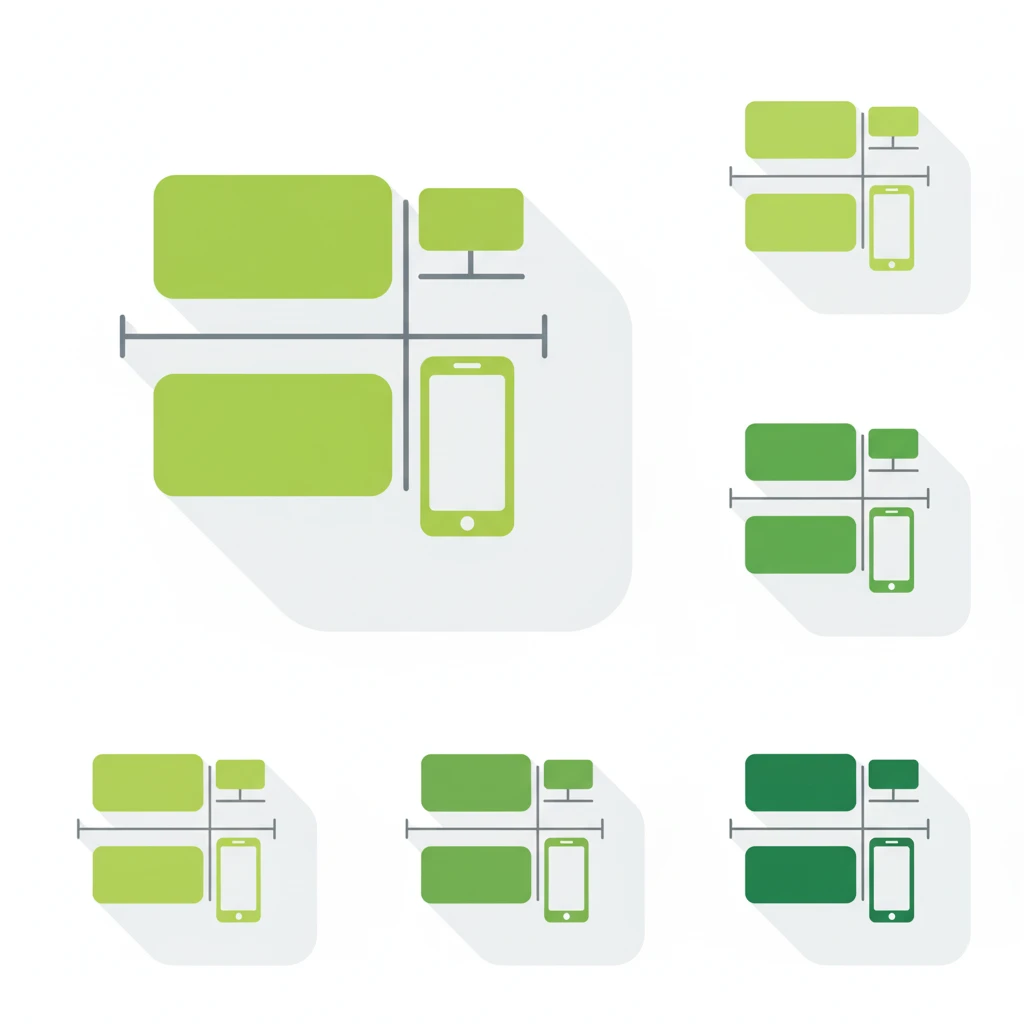
The Responsive Card Layout Tool is a free, browser-based utility that helps you design and preview card-based layouts that adapt seamlessly across devices. You can adjust column count, spacing, and responsive breakpoints, then export clean CSS Grid or Flexbox code for effortless implementation.
Key Features:
- [
- {"title":"Responsive Configuration","icon":"fas fa-mobile-alt","description":"Set custom breakpoints for mobile, tablet, and desktop layouts."},
- {"title":"Column & Gap Control","icon":"fas fa-th","description":"Adjust the number of columns and spacing between cards."},
Glass UI Background Overlay Generator
The Glass UI Background Overlay Generator is a free online tool that allows you to create semi-transparent overlays for images or backgrounds, simulating a frosted glass effect. It's ideal for enhancing readability and adding a modern touch to UI elements like modals, hero sections, or banners.
Key Features:
- [
- {"title":"Overlay Customization","icon":"fas fa-paint-brush","description":"Adjust opacity, blend mode, position, scale, and rotation of the overlay."},
- {"title":"Live Preview","icon":"fas fa-eye","description":"See your changes instantly with real-time previews."},
Contrast Checker Tool
The Contrast Checker Tool is a free online utility that helps web developers and designers ensure their text and background color combinations meet accessibility standards. By checking the contrast ratio between two colors, users can verify if their designs comply with WCAG 2.1 AA and AAA guidelines, ensuring readability for users with visual impairments.
Key Features:
- [
- {"title": "Instant Contrast Calculation", "icon": "fas fa-calculator", "description": "Quickly compute the contrast ratio between two colors."},
- {"title": "WCAG Compliance Indicators", "icon": "fas fa-check-circle", "description": "Instantly see if your color combinations meet AA or AAA standards."},
CSS Text Shadow Generator
The CSS Text Shadow Generator is a free online tool that allows you to create and customize text shadow effects for your web projects. With real-time previews and adjustable parameters, you can generate CSS code to add depth and emphasis to your text elements. Ideal for web designers and developers looking to enhance typography on their websites.
Key Features:
- [
- {"title": "Real-Time Preview", "icon": "fas fa-eye", "description": "Instantly see changes as you adjust shadow settings."},
- {"title": "Customizable Parameters", "icon": "fas fa-sliders-h", "description": "Adjust horizontal/vertical offsets, blur radius, and colors."},
CSS Grid Builder
The CSS Grid Builder is a no-cost, browser-based visual editor that lets you craft complex CSS Grid layouts with ease. Customize columns, rows, gaps, and grid areas visually, preview changes instantly, and then export polished HTML and CSS ready for integration.
Key Features:
- [
- {"title":"Flexible Grid Templates","icon":"fas fa-th","description":"Define custom rows and columns using `fr`, `px`, `%`, or `auto`."},
- {"title":"Gap Controls","icon":"fas fa-arrows-alt-h","description":"Set both row and column gaps for spacing control."},